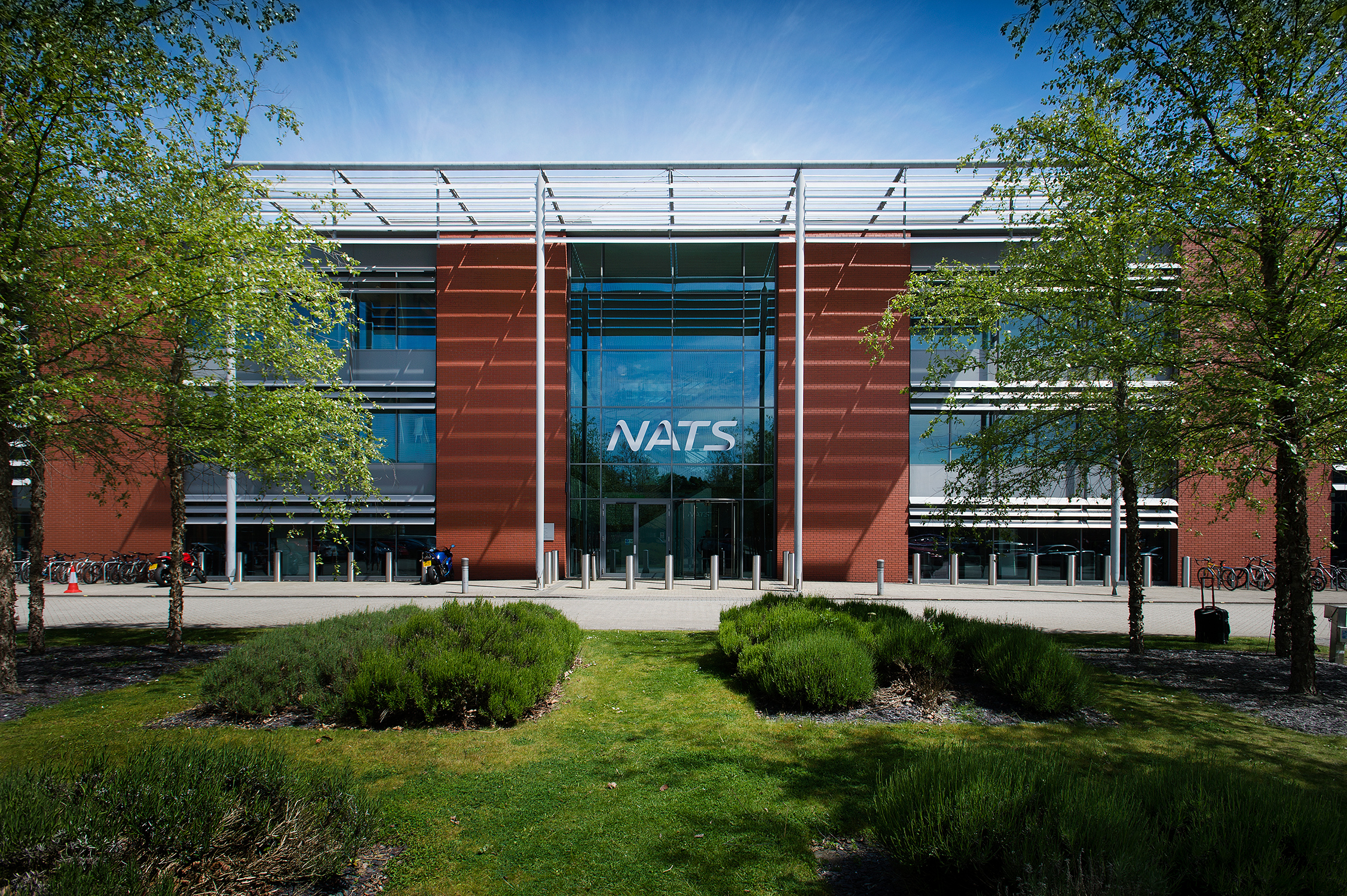

NATS Wireless Equipment Tracker
From a complex spreadsheet to one version of the truth
NATS engineers needed a better way to track information about wireless equipment used for voice communication between air traffic controllers and the aircraft they control. A spreadsheet could no longer cope with the complexity and variety of information, and was difficult to share and keep updated.
Anatec developed the Wireless Equipment Tracker around that requirement. A shared SQL Server database provided one version of the truth, while a C# desktop application helped engineers find and work with the information. A separate intranet application made selected information available to a wider audience within NATS.
“Anatec were the driving force behind the solution and their tenacious approach and commitment ensured a successful conclusion.” — Mike Sutton, NATS
Moving beyond the spreadsheet
Wireless equipment formed one part of NATS’s much wider range of equipment. Within this area, different equipment types required different information to be recorded. The engineers’ spreadsheet was struggling to accommodate that variety while remaining practical to use.
Sharing and updating the information added another difficulty. The team needed a common record that could be maintained and used by several people. Moving the data into a database provided the foundation, but the application also needed to reflect the equipment and the way engineers worked with it.
Understanding the work and testing the approach
Anatec worked closely with NATS to understand the requirements, project goals and existing change-management processes. This informed a scoped development approach and a working, scaled-down proof of concept for NATS to assess.
The proof of concept was delivered on time and within budget. It made the proposed approach tangible, giving NATS something practical to evaluate before development progressed. The emphasis was on understanding the information and the work it supported, then designing an application around those needs.
A clear view of the equipment
The multi-user C# Windows desktop application was used by a small group of NATS wireless engineers. It presented the equipment in a user-friendly hierarchical tree, allowing engineers to find the relevant item quickly and view its information.
Queries and reporting provided further ways to use the data. The application was shaped to fit existing business and change-management processes, with the aim of helping engineers plan equipment changes and updates more effectively.
Representing different equipment types
The variety of equipment was an important part of the design challenge. Different types had their own properties, so the software needed a structured way to represent those differences.
Anatec used an object-oriented design in C#. Equipment types were represented by a hierarchy of software classes, each with its own specific properties. In practical terms, a class defined the information associated with a particular type of equipment.
This gave the application a model suited to the information it needed to handle. The class structure represented the equipment in the software, while the visible tree gave engineers a straightforward way to browse it. Together, these design choices addressed the complexity that had become difficult to manage in the spreadsheet.
A shared, managed database
Anatec designed the SQL Server back-end database to hold the equipment information. It was hosted on NATS servers under the management of NATS’s database administrators and IT department, with regular backups.
This provided a more controlled and protected home for the data, alongside the practical benefit of a shared record. The information could be maintained in one place, giving the engineering team the one version of the truth it needed.
The responsibilities were clear: Anatec designed and implemented the application and database, while NATS managed the database environment and its ongoing administration. The solution fitted into the client’s established IT arrangements.
Information for a wider audience
The specialist desktop application served the wireless engineers. A separate web intranet application allowed a wider audience within NATS to see selected information.
This supported different needs within the organisation: engineers had the application designed for their equipment-tracking work, while other colleagues could view the information made available to them through the intranet.
The same principle, a different kind of tracker
Our PepsiCo Sales Training Tracker supported information about people’s training and development. The NATS Wireless Equipment Tracker supported information about equipment. Each required a different design, but both started with understanding what needed to be tracked, who needed the information and how they would use it.
Read the PepsiCo Sales Training Tracker case study →
Could this help your business?
If a spreadsheet has become difficult to maintain, information is hard to share, or different types of records no longer fit comfortably into the same structure, a custom application may offer a better approach.
The NATS project shows how a shared database and an application shaped around a specialist process can make complex information easier to manage and use.